

ECOCompras: go shopping knowing what you will spend
Every list has a budget. At the store you check off an item, type the price you paid and instantly see if it was cheaper or pricier than expected and how much budget is left.
Free on Google Play, with ads and up to 5 shared lists. Premium, monthly or yearly, removes the sharing limit and the ads.
Get it on Google Play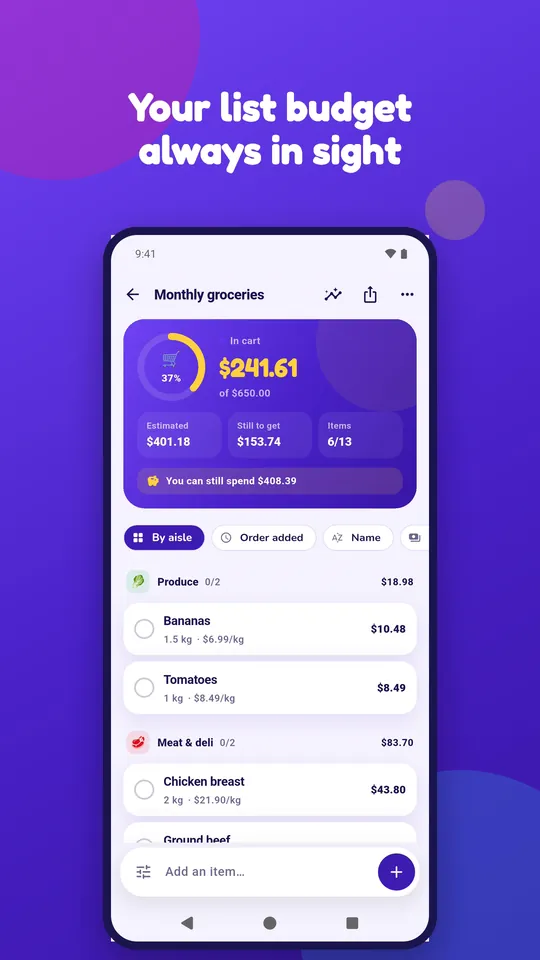
What it does
The grocery list that watches your budget.
A budget per list
Every list has its own limit, with a usage ring, cart, estimate and what is left to pick up.
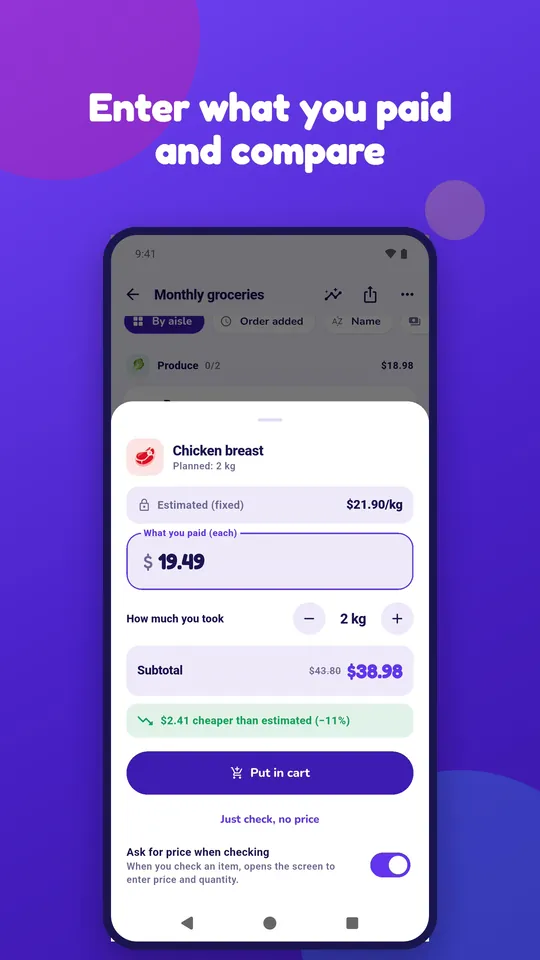
Paid vs. estimate
The estimate stays fixed; at the store you type what you paid and see the difference in money and percent.
Over-budget warning
The app warns you when, at the current pace, your shopping will go over budget.
Automatic aisle
Type an item name and the app suggests the aisle: produce, meat, bakery, cleaning and more.
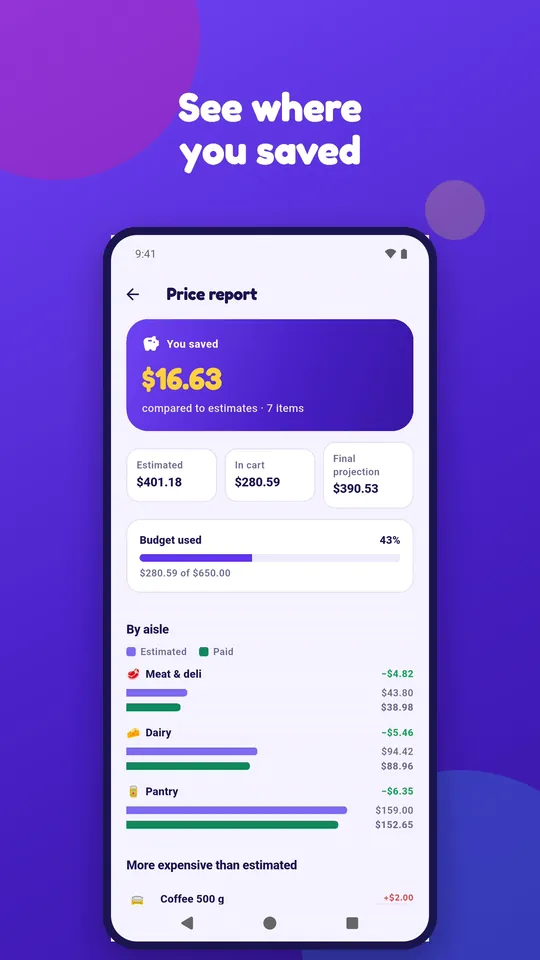
Price report
Estimate vs. paid per aisle, items pricier and cheaper than expected and how much you saved.
Last prices and buy again
See what you paid last time and repeat the list using that price as the estimate.
Shared list
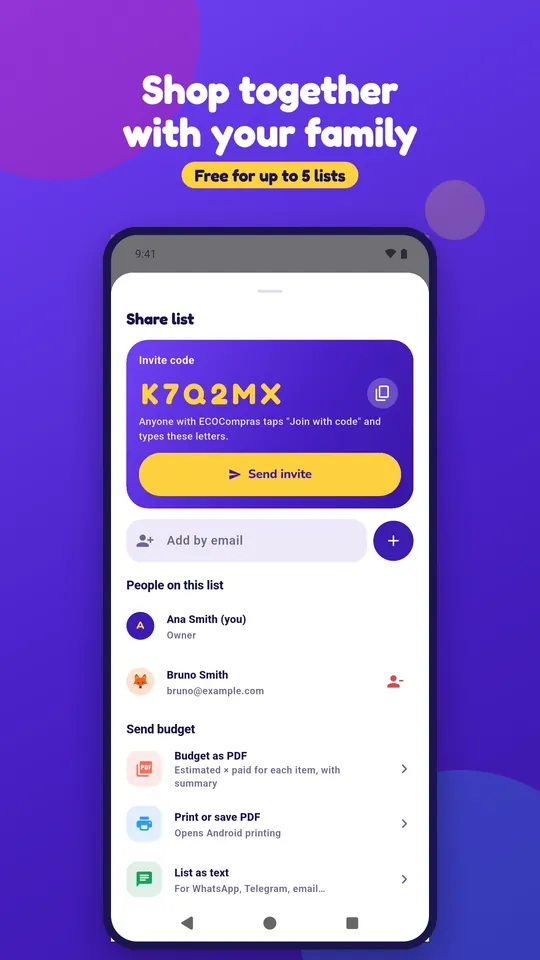
Invite your family by code or email and everyone sees the same list in real time. Free for up to 5 lists; unlimited with Premium.
Budget PDF
Send or print the list budget, with estimate and paid item by item.
Portuguese and English
Interface in both languages, with light and dark mode.
How it works
From list to checkout, in four steps.
- Create the list with a budget and, if you like, the store.
- Add items with quantity and estimated price; the app suggests the aisle.
- At the store, check off each item and type the price you paid.
- Finish your shopping and see in the report where you saved.
Who it is for
For whoever does the household shopping and wants no surprises at checkout: families who share the grocery list, people who track monthly spending and anyone who wants to know if the shelf price is above what they expected.
A closer look
Six screens, no checkout surprises
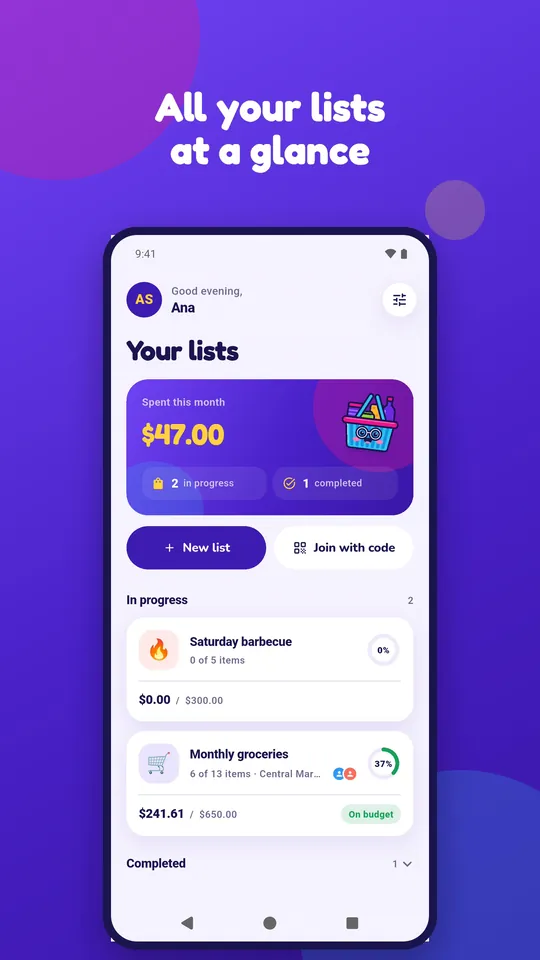
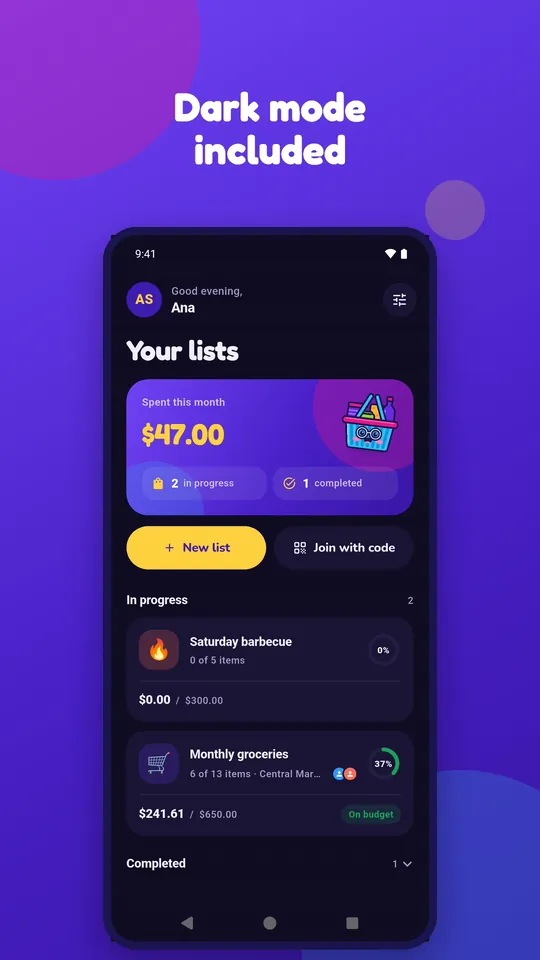
Real app screens with sample data.
FAQ
ECOCompras questions
Do I need an account?
Yes, with an email and password. The account is what lets your lists sync between devices and be shared with other people.
Where are my lists stored?
On an Ecodaa server, visible only to you and to the members of each list. You can delete your data from inside the app. See the privacy policy and how to delete your account.
How does the shared list work?
The list owner invites by code or email. Everyone sees the same items and the total updates on each phone. The free plan lets you share up to 5 of your lists; with Premium there is no limit. Whoever receives the code joins for free.
How much does it cost?
The app is free with ads: lists with a budget, prices, report, PDF and up to 5 shared lists. Premium removes the sharing limit and the ads, with a monthly or yearly subscription through Google Play. Prices are shown on the app page in the store.
Does it work offline?
No. Lists live on the server so they sync with your family, so the app needs a connection.
Where can I get ECOCompras?
On Google Play, for Android: open the ECOCompras page. See also the terms of use. Questions or ideas: suporte@ecodaa.com.
Let's talk
Hear about new releases
Send us an email and we will let you know when a new app or a new version comes out.